How to do the window peeper trend: with AI, with CapCut, or for real
Three ways to make the viral window peeper video: Window Peeper AI from one photo, the CapCut template, or filming it with a friend. Steps, photo tips, prices and posting ideas.
By Window Peeper AI · Updated · 6 min read
| Window Peeper AI | CapCut template | Film it yourself | |
|---|---|---|---|
| You need | One photo | The CapCut app and a photo or clip | A friend, a lit room, a phone with zoom |
| Who is in the window | You, animated from the photo | Your face on template footage | You, for real |
| Time | A few minutes | A few minutes | An evening of retakes |
| Cost | From 100 credits | Free, may need CapCut Pro for some templates | Free |
| Best for | A clean result with no camera | Quick remixes inside TikTok | Full creative control |
What the window peeper trend video looks like
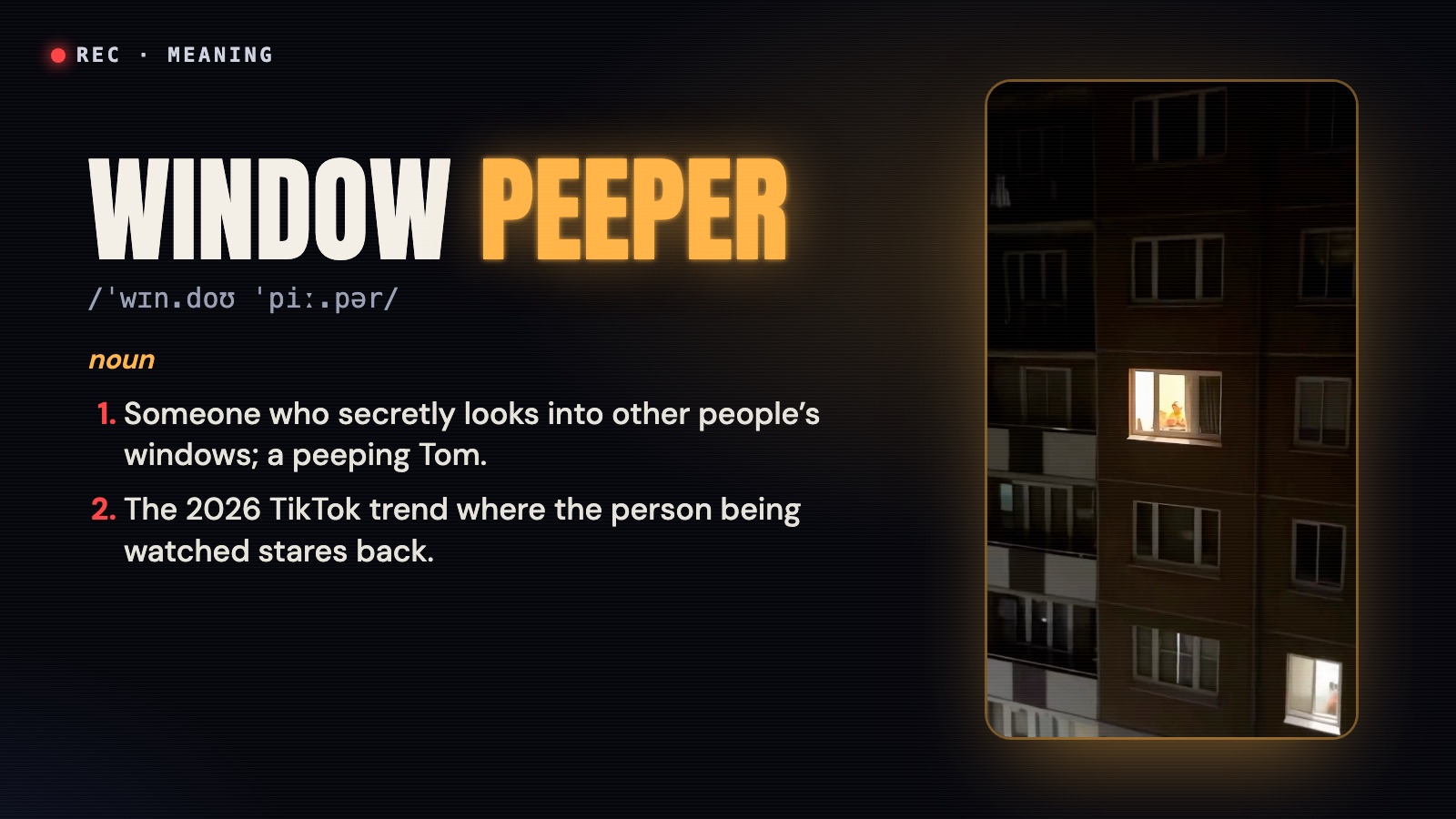
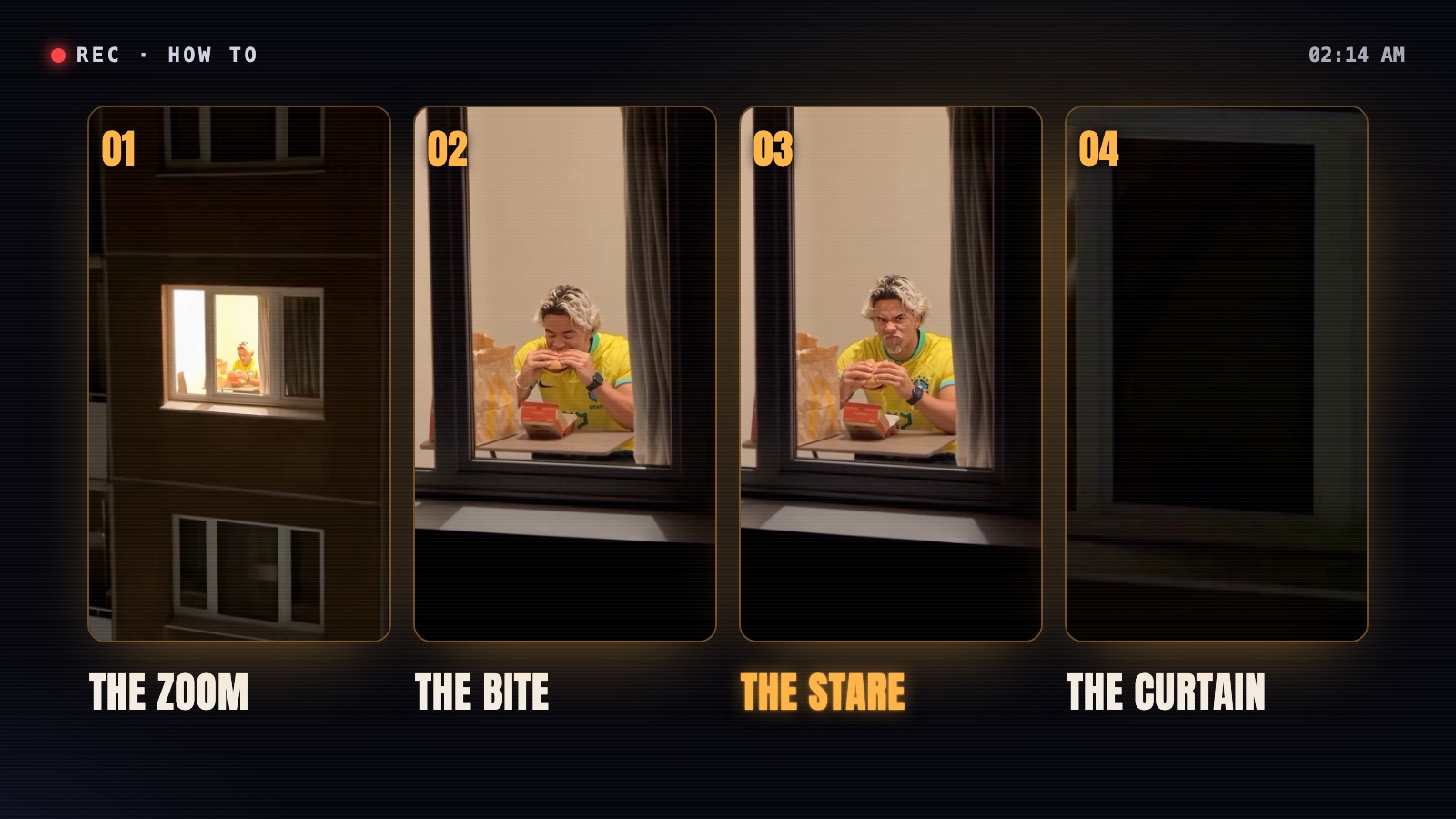
Every version follows the same five beats. A night shot of a dark apartment block slowly zooms in on the only lit window. Inside, someone is eating, usually a burger. They notice the camera and freeze mid-chew. They stare straight into the lens for a beat longer than is comfortable. Then they get up and yank the curtain shut.
The clip opens like found-footage horror and ends as a joke about being caught eating alone at 2 AM. The joke lives in the stare, so whichever method you use, that beat is the one to get right. For the background, read what the window peeper trend means.
Method 1: make it with Window Peeper AI
Window Peeper AI recreates the whole scene from one picture: the zoom, the room, the burger, the freeze, the stare and the curtain. You don’t need a camera, a template or anyone standing outside your building.
- Open the generator on the Window Peeper AI home page. It runs in the browser on iPhone, Android and desktop.
- Upload your photo. One person, facing the camera, head to waist in frame.
- Pick a quality (see the table below): 480p, 720p or 1080p. The credit cost shows on the Generate button before you press it.
- Press Generate and sign in with Google if you haven’t yet. You can close the tab while it renders.
- Download the MP4 from “My videos”. Videos stay there for 14 days.
| Quality | Length | What happens | Credits |
|---|---|---|---|
| Standard 480p | 15 s | The zoom, the bite, the freeze, the stare and the curtain. | 100 credits |
| HD 720p | 15 s | The zoom, the bite, the freeze, the stare and the curtain. | 200 credits |
| Full HD 1080p | 15 s | The zoom, the bite, the freeze, the stare and the curtain. | 600 credits |
Pick a photo that sells the stare
- Eyes clearly visible. No sunglasses, no hair over the face. The stare is the whole punchline.
- Head to waist in frame. The AI needs hands and shoulders to hold the burger and reach for the curtain.
- Front-on, even light, no beauty filter. Filters and side angles make the face drift.
- One adult who agreed to it. Celebrities, public figures and anyone under 18 are not allowed.
Method 2: use the CapCut window peeper template
The trend spread as a CapCut template, so a lot of the clips on your feed were made this way. Template names and links change as new versions get posted, but the route is usually the same:
- On a window peeper video in TikTok, tap the CapCut template link above the caption, or search “window peeper” in CapCut’s Templates tab.
- Pick a version with a good stare, tap “Use template” and add the photo or clip it asks for.
- Preview it, export it, and post straight to TikTok from CapCut.
The catch: the template pastes your face onto someone else’s footage, so the body, the room and the timing all belong to the template, and some templates sit behind CapCut Pro. If you want the person in the window to move as you, without the app, use Method 1.
Method 3: film the window peeper video yourself
The original look is easy to copy if you have a window on a higher floor and a friend willing to stand across the street.
- Light only your room. One warm lamp inside, everything else in the building as dark as you can get it. Turn off the lights in the rooms next to you.
- Your friend films from outside with the phone’s longest zoom, starting wide on the building and pushing in slowly. A little handheld shake helps.
- Eat, freeze, stare, close. Hold the stare for two or three seconds without blinking. Close the curtain in one firm pull.
- Only film your own window. Pointing a zoom lens at strangers’ windows is not a joke, and in many places it is a crime. Keep neighbors out of the shot.
How to post your window peeper video
- Upload the MP4 to TikTok, Instagram Reels or YouTube Shorts as a normal post. It is already vertical.
- For an AI version, turn on the platform’s AI-generated content label. TikTok, Instagram and YouTube all ask for it.
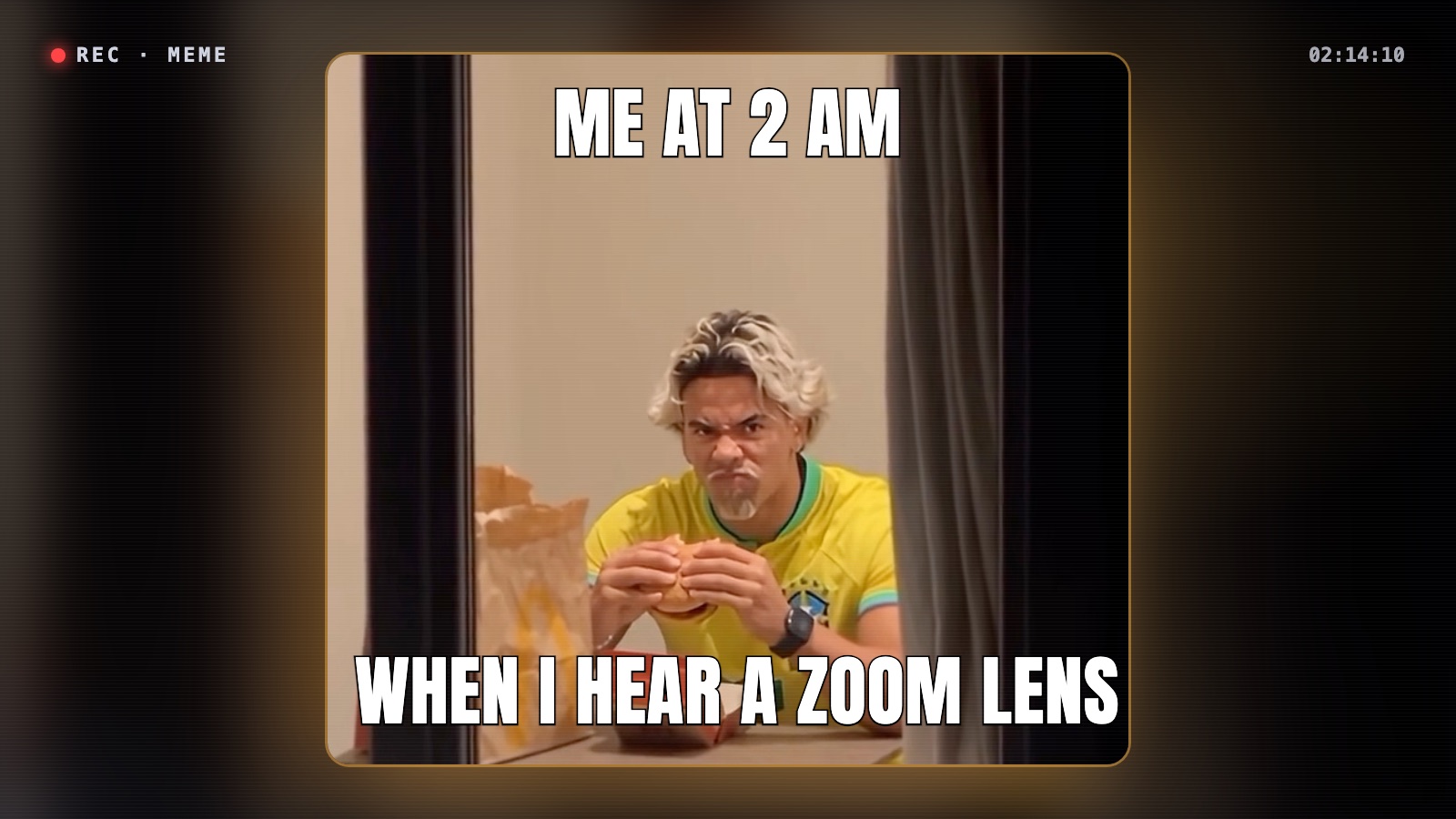
- Caption it from the eater’s side, not the peeper’s: “me at 2 AM when I hear a zoom lens”, “the neighbors think I’m on a diet”, “you saw nothing”.
- Tag it #windowpeeper so it lands next to the rest of the trend, plus #capcut if you used the template.
Want a scarier spin for October? See the window peeper prank ideas and the window peeper Halloween guide.
Fixing an AI video that looks off
- The face doesn’t look like you: use a sharper, front-on photo in better light, with no sunglasses or filter.
- The hands or the burger look strange: use a photo that shows you from the head to at least the waist, with your arms visible.
- The video failed: the credits go back to your balance automatically. Try again with a clearer photo of one person.